
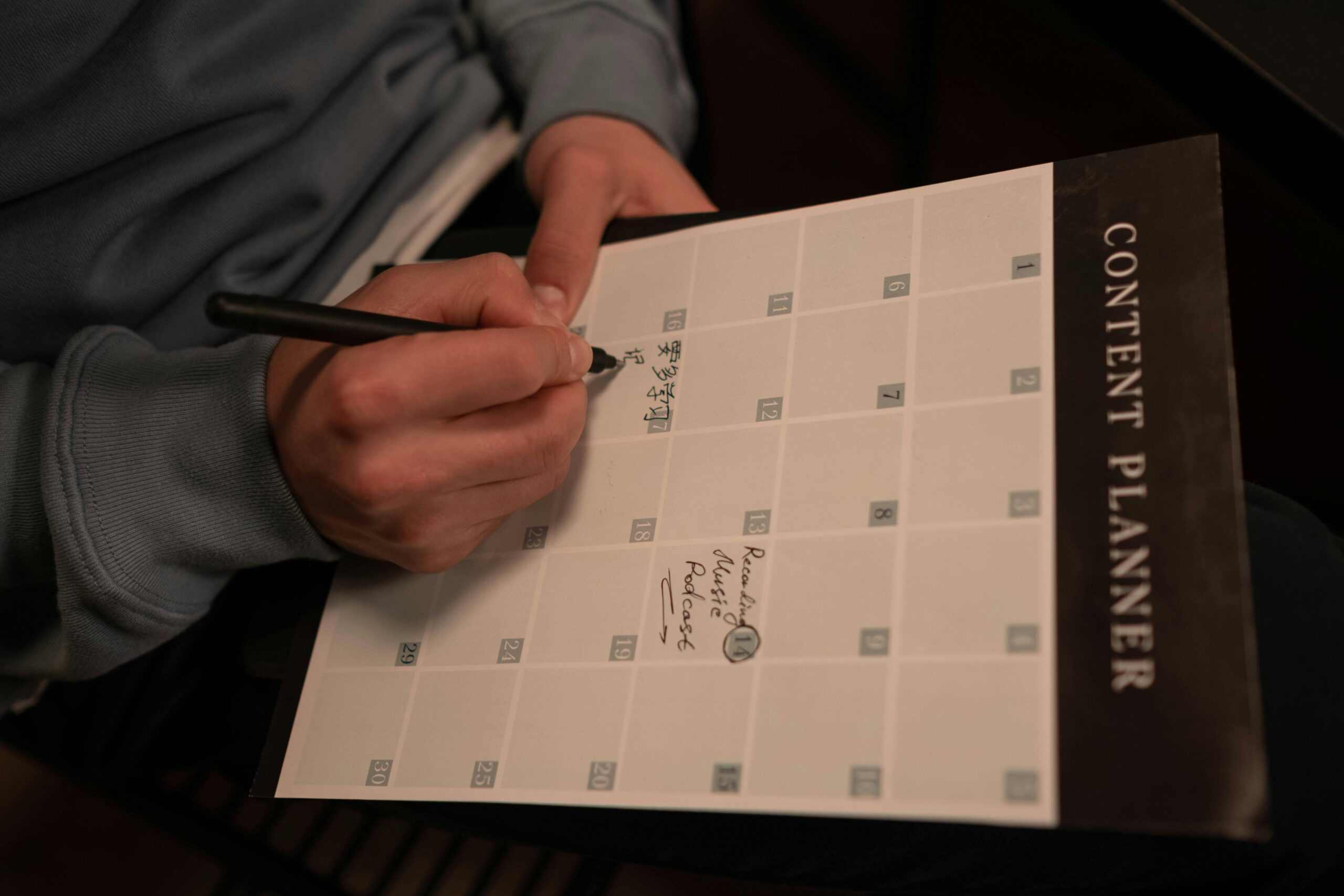
In our world’s fiercely competitive digital marketing landscape, website content creation, consistency, and strategy are everything. Randomly publishing blog posts or web pages whenever inspiration strikes rarely delivers sustained results. That’s where content planning and strategy come in—specifically, developing a robust content calendar and editorial plan. These tools transform chaotic idea generation into a structured, goal-oriented process that boosts traffic, engages audiences, and supports business objectives.
Whether you’re managing a corporate website, a personal blog, or an e-commerce platform, a well-crafted editorial plan ensures your content aligns with audience needs, SEO opportunities, and key milestones. Let’s explore why these tools matter and how to build them effectively.
What Is a Content Calendar and an Editorial Plan?
A content calendar (sometimes called a posting schedule) is a tactical tool that maps out specific content pieces—titles, formats, publication dates, responsible team members, and distribution channels—over days, weeks, or months. It focuses on execution: “What goes live on Tuesday, and who’s handling the graphics?”
An editorial plan (or editorial calendar) takes a higher-level view. It outlines overarching themes, content pillars, seasonal campaigns, and strategic goals for quarters or the entire year. Think of it as the “why” and “what” behind your content: aligning topics with business priorities like lead generation, brand awareness, or thought leadership.
While the terms are often used interchangeably, the editorial plan provides the strategic roadmap, and the content calendar handles the day-to-day logistics. Together, they form the backbone of effective content planning and strategy.
Why Invest Time in Content Calendars and Editorial Plans?
The benefits are substantial:
- Consistency: Regular publishing builds audience trust and improves SEO signals. A calendar prevents gaps or last-minute scrambles.
- Alignment with Goals: Every piece supports specific objectives, whether driving website traffic, nurturing leads, or capitalizing on seasonal trends.
- Efficiency and Collaboration: Teams know deadlines, responsibilities, and workflows in advance, reducing bottlenecks.
- Flexibility with Structure: Plan ahead (e.g., 3–6 months for major campaigns) while leaving room to react to news, analytics, or opportunities.
- Better Performance: Incorporating keyword research, audience insights, and performance data leads to more relevant, high-performing content.
- Resource Optimization: Batch creation, repurposing ideas, and avoiding duplication save time and budget.
Studies and practitioner insights consistently show that organized content efforts can make teams significantly more effective, with reduced stress and improved results.





Pro tip: Start simple. A basic spreadsheet is often more effective than an overcomplicated tool when you’re beginning.
Step-by-Step Guide to Developing Your Editorial Plan and Content Calendar
Follow this proven process to get started:
- Define Goals and Audience – Start with the big picture. What are your website’s primary objectives (e.g., increase organic traffic by 30%, generate 50 qualified leads per month)? Who is your target audience—demographics, pain points, interests, and preferred content formats? Review past analytics to identify top-performing topics.
- Audit Existing Content – Catalog what you’ve already published. Identify gaps, evergreen winners, and opportunities for updates or repurposing. This prevents reinventing the wheel.
- Brainstorm Content Pillars and Themes – Establish core themes (e.g., “Industry Trends,” “How-To Guides,” “Case Studies”) that align with your goals. Map them to seasons, holidays, product launches, or industry events. Incorporate keyword research for SEO relevance.
- Choose Planning Horizon and Frequency – Plan major campaigns and pillar content 3–6 months ahead. Handle weekly or bi-weekly posts 2–4 weeks out. Decide on publishing cadence (e.g., 2 blog posts per week) based on resources.
- Build the Calendar Structure – Create a template (Google Sheets, Asana, Trello, or specialized tools like CoSchedule or Airtable work well). Include columns for:
- Content title/idea
- Format (blog post, infographic, video, etc.)
- Target keywords
- Publication date and time
- Responsible author/editor/designer
- Status (idea, draft, review, published)
- Promotion channels
- Metrics/goals (e.g., expected traffic) Add color-coding for themes or priorities.
- Incorporate Workflows and Deadlines – Work backwards from publication dates. Set milestones: research, drafting, editing, approval, design, and promotion. Include buffers for unexpected delays.
- Review, Adjust, and Measure – Schedule weekly or monthly reviews. Use analytics to refine future plans—double down on what works and pivot from underperformers. Stay flexible for timely topics.
Best Practices for 2026 and Beyond
- Align with Broader Strategy: Ensure every entry ties back to business or marketing goals.
- Mix Content Types: Balance evergreen educational pieces with timely news, promotional content, and interactive formats.
- Leverage Data: Base topics on search trends, competitor analysis, and your own performance metrics.
- Foster Collaboration: Share the calendar with writers, designers, and stakeholders for input and accountability.
- Plan for Promotion: Don’t stop at publication—schedule social shares, email newsletters, and SEO updates.
- Build in Buffer Content: Keep a few evergreen pieces ready for unexpected gaps.
- Stay Flexible: The best calendars allow adjustments without derailing the overall plan.

Tools to Consider
- Free/affordable: Google Sheets, Google Calendar, Trello, Notion.
- Advanced: Asana, Airtable, CoSchedule, or enterprise editorial tools for larger teams. Many offer ready-made templates to accelerate setup.
This central hub connects seamlessly with your promotional efforts, turning clicks from ads, social posts, or email campaigns into real connections and conversions.
Final Thoughts: From Planning to Publishing Success
Developing a content calendar and editorial plan is one of the smartest investments you can make in your website’s content strategy. It shifts you from reactive, inconsistent publishing to proactive, results-driven creation.

Start small: Audit your current content this week, define 3–5 core themes, and draft a one-month calendar. Over time, expand to quarterly or annual views. With discipline and iteration, you’ll create content that not only fills your website but truly drives engagement, authority, and growth.
Consistency compounds. A thoughtful editorial plan ensures your website remains a valuable, living resource for your audience year-round.
What does your current content planning process look like? Share your experiences or challenges in the comments—I’d love to hear how you’re approaching content calendars for your site!
This post is part of the “Website Content Creation Strategies” series, focusing on the sub-category “Content Planning and Strategy.”
Ready to take your brand to the next level?
Let’s work together at Teamwork Lab to craft your success story with a website that works as hard as you do. Start with our free assessment.
Love this? Share on your social media and
let’s spread the success together!
Related Services

WEB AND BIZ PROMOTION
Smart, targeted campaigns that amplify your reach, drive traffic, and convert clicks into loyal customers.

WEB SECURITY
Advanced security measures, real-time threat monitoring, and rapid incident response.

WEB CONTENT CREATION
Engaging words, visuals, and stories that captivate your audience and make your brand unforgettable.
Free Downloads
Free Website Audit Checklist
Evaluate your current site and uncover quick wins
Brand Story Worksheets
Rank higher on Google or in any search engine
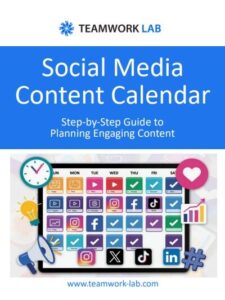
Social Media Content Calendar
Plan winning posts for Instagram, LinkedIn, Facebook & TikTok